Allocation review, a new Inbox, and affinity groups
This week we rebuilt the monthly allocation review cycle around deadlines, reviewers, and reminders. We also made org view teams more flexible to better support people ops use cases and gave the Inbox a full redesign.
Allocation review: deadlines, reviewers, and reminders
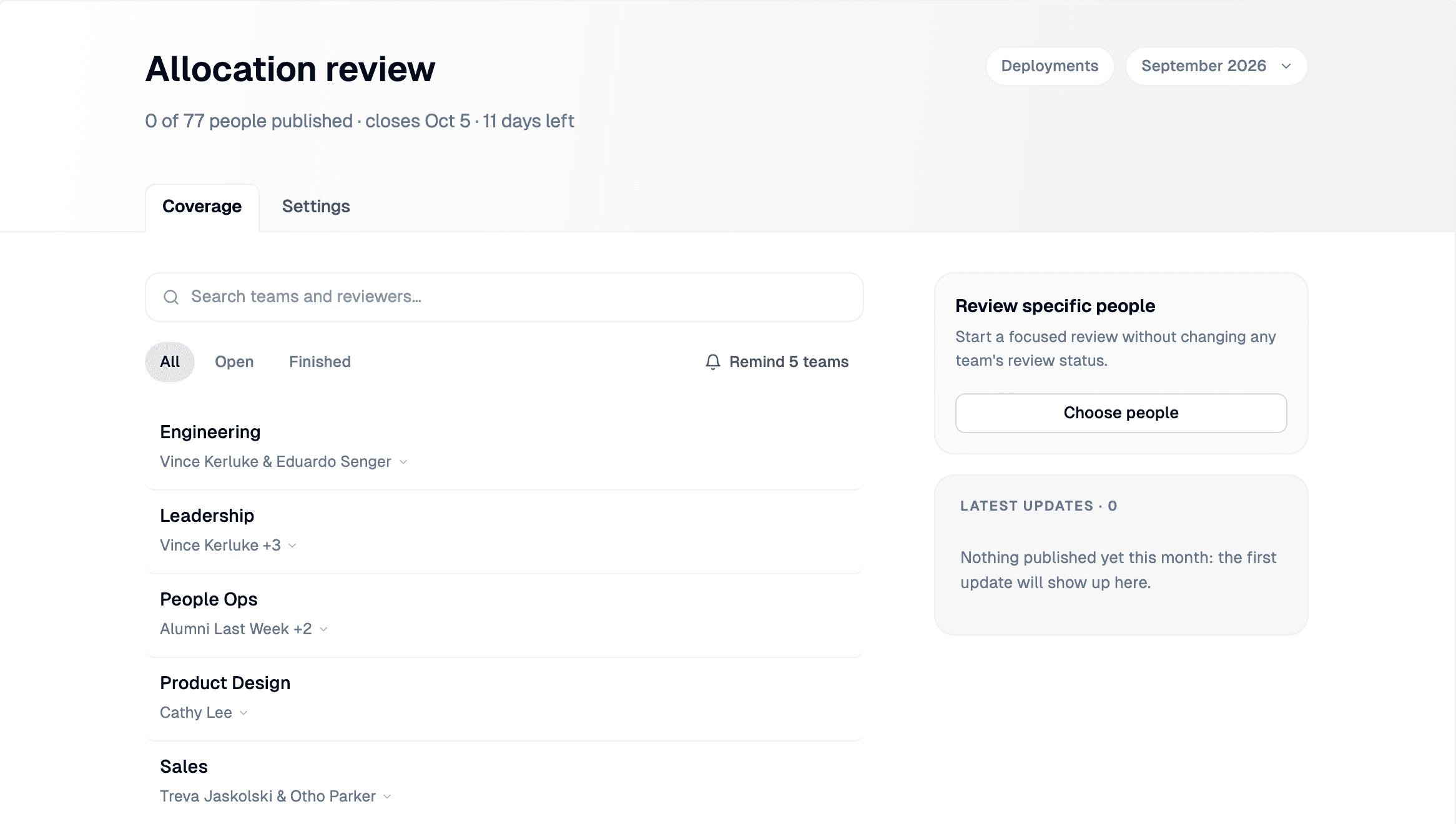
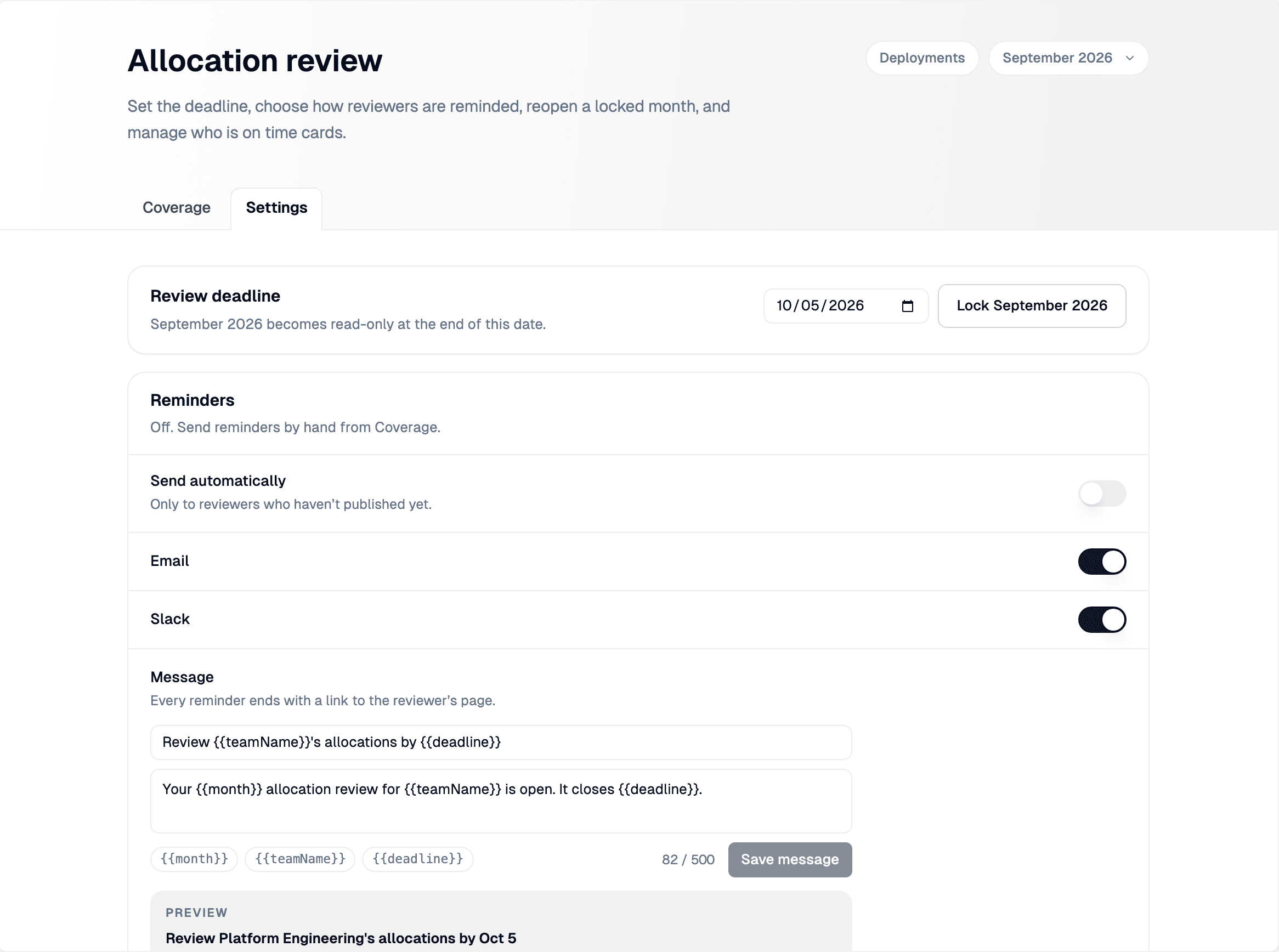
Each month is now its own review cycle with a clear deadline, due by default on the 5th of the following month.
- Deadlines and month lock. Admins can change any month’s deadline from Allocation review → Settings, and lock a month once it’s done so its reviews become read-only.
- Reviewers. Every team has reviewers: the people responsible for its review. They default to the team’s leads, and admins can assign anyone in your organization from Coverage.
- Reminders. Crouton reminds reviewers who haven’t published yet by email and Slack, automatically on a schedule you choose or by hand from Coverage.
A redesigned Inbox
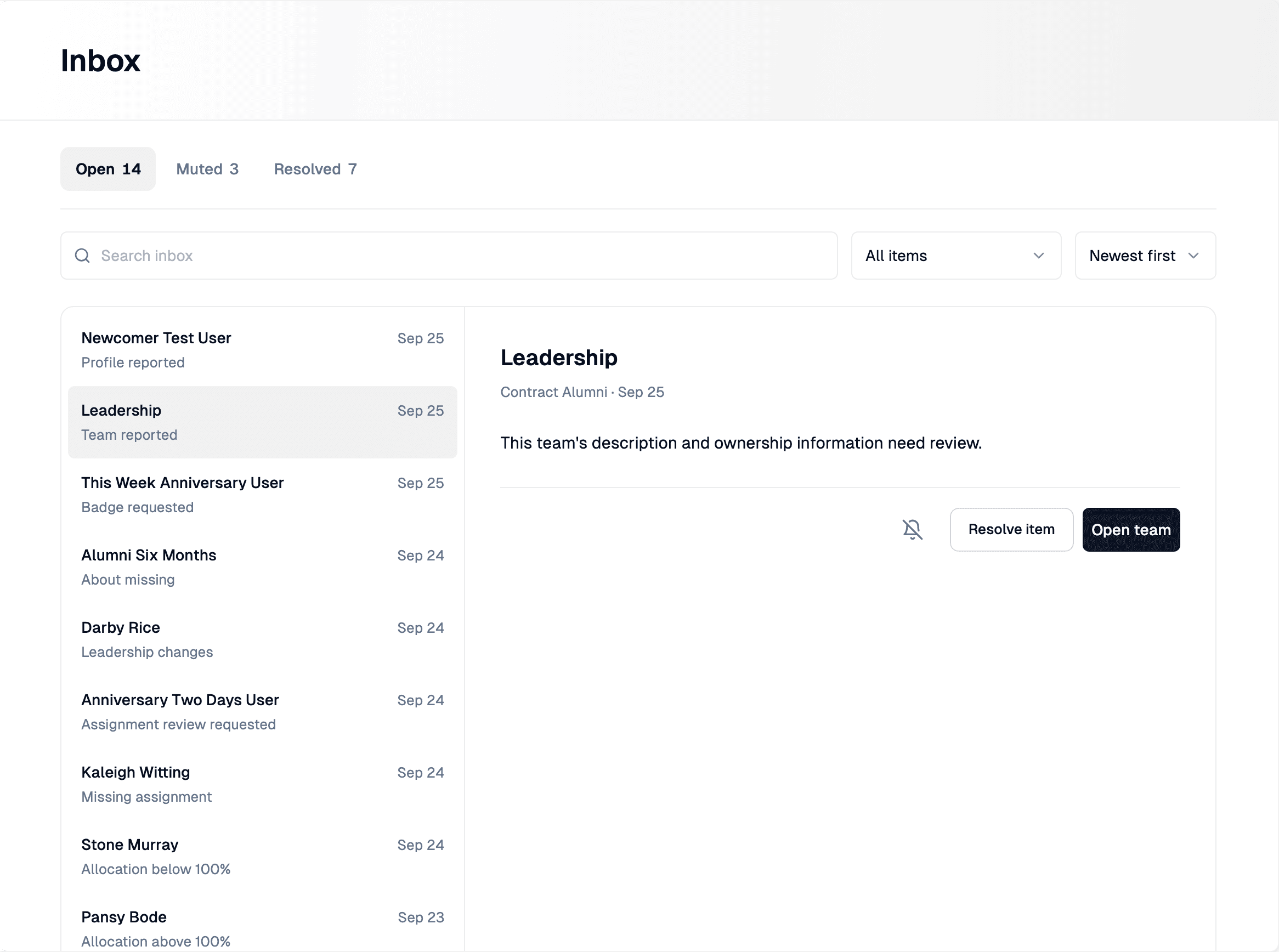
The Inbox has a new layout with items listed on the left and the selected item’s full details on the right.
- Search the Inbox, filter by type (badge requests, profile reports, team reports, assignments, and list alerts), and sort by newest or oldest
- Each item shows tailored actions like Resolve, Mute, Recheck, Send reminder, or a link straight to the appropriate page to address it
Affinity Groups
We've given org view teams more customization options that enable affinity groups: groups of common interests that your employees can manage. Org view admins can now let everyone create and manage teams. With this setting enabled, anyone in your organization can:
- Add new groups to the org view
- Change the icon/name of existing groups
- Join or leave groups self-serve
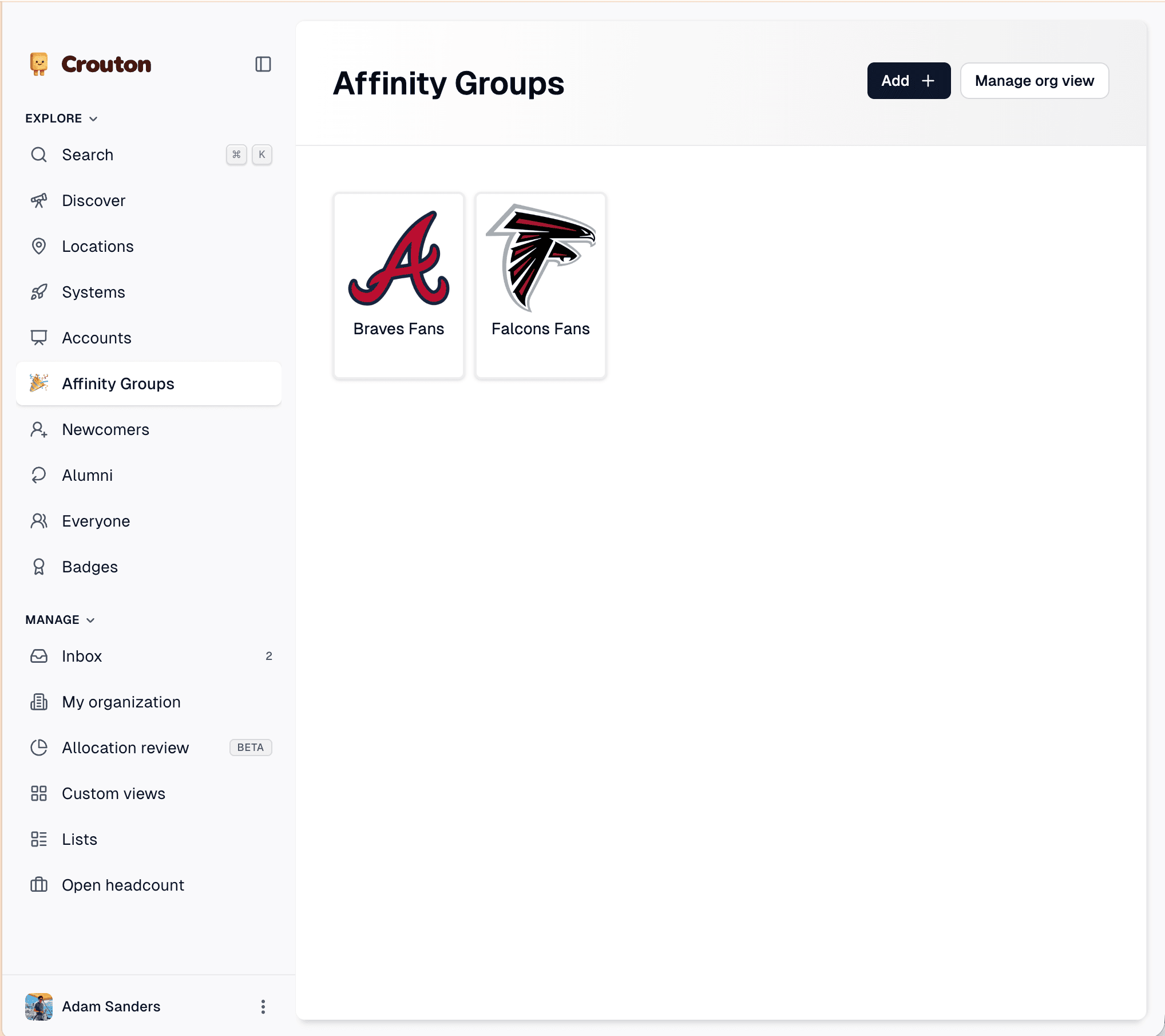
Enable this setting by navigating to an org view's settings and enabling allow anyone to manage teams
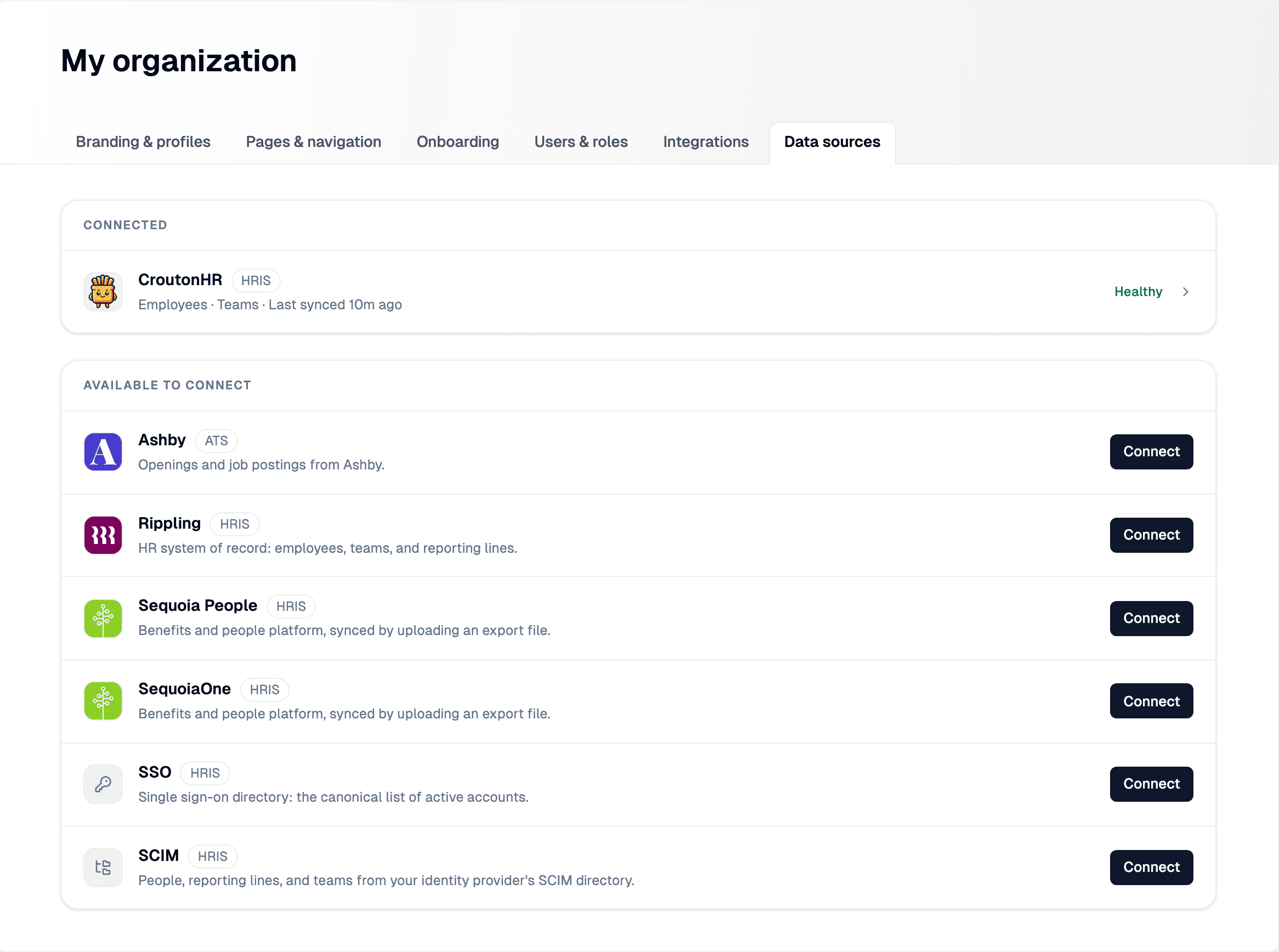
Data sources in My organization
Data sources now live in My organization → Data sources. This page shows your connected sources and the ones available to connect, like Ashby, Rippling, and more.
You can also sync people, reporting lines, and teams from your identity provider’s SCIM directory. Crouton maps each person’s manager, division, and department to reporting lines, teams, and sub-teams.