Product

What's new in Crouton

  1. Lists

    Lists: auto-add rows, alerts, exports, and sharing

    We’ve spent some time this month focusing on Lists: the organizational tool that makes it easy to collect groups of teams or profiles and track custom information.

    Auto-add rows

    Lists can now keep themselves populated. When you create a list, choose between adding rows manually or keeping all people or teams in sync. You can switch existing lists over at any time from List Settings → Row membership.

    With sync on:

    • Every person or team is added for you and new ones appear automatically as they’re created
    • Employees who leave your company drop off the list on their own

    List alerts

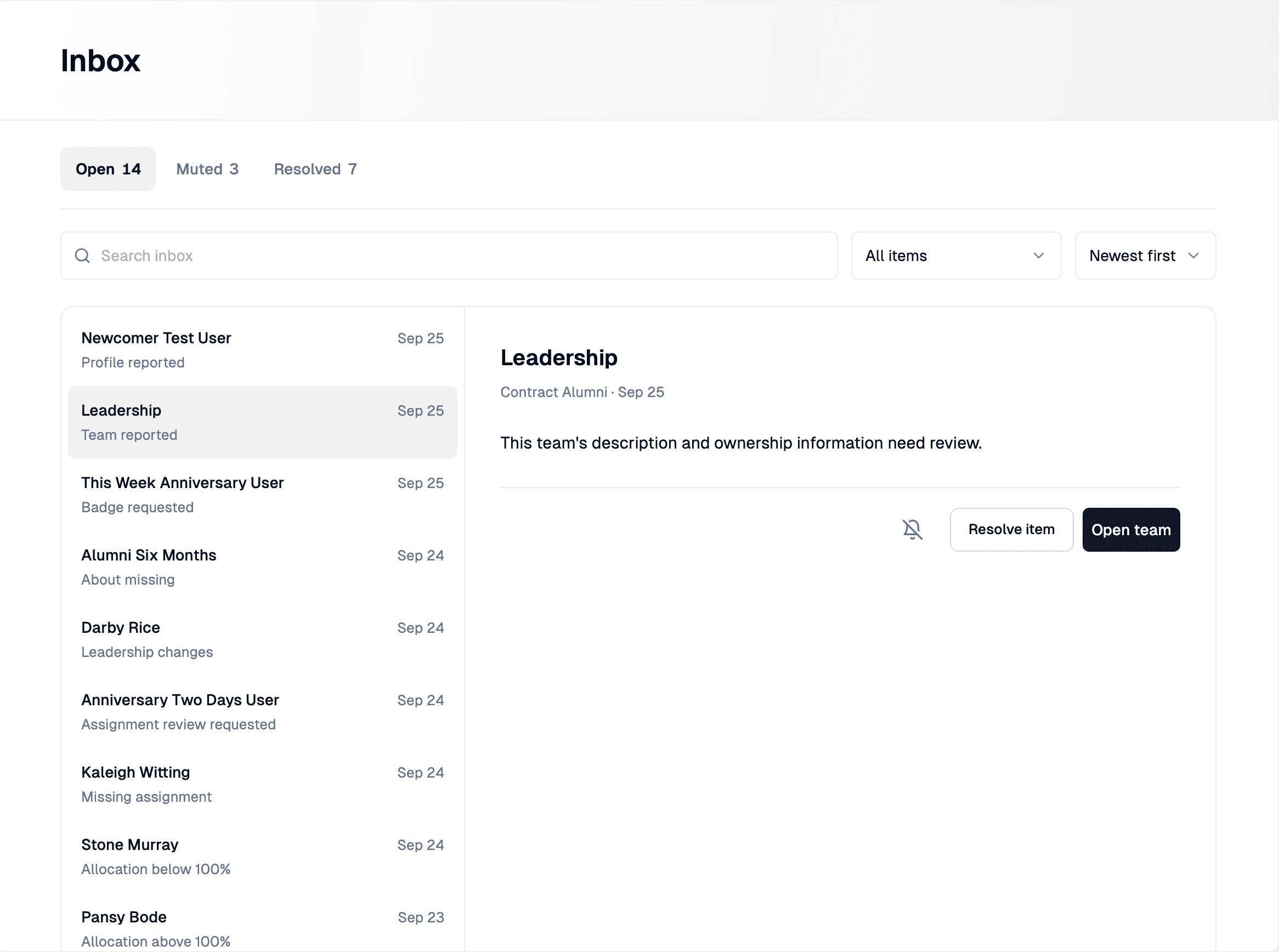
    Lists can now tell you when something’s missing. Open List Settings → Alerts, pick the column to watch, and choose who should hear about it.

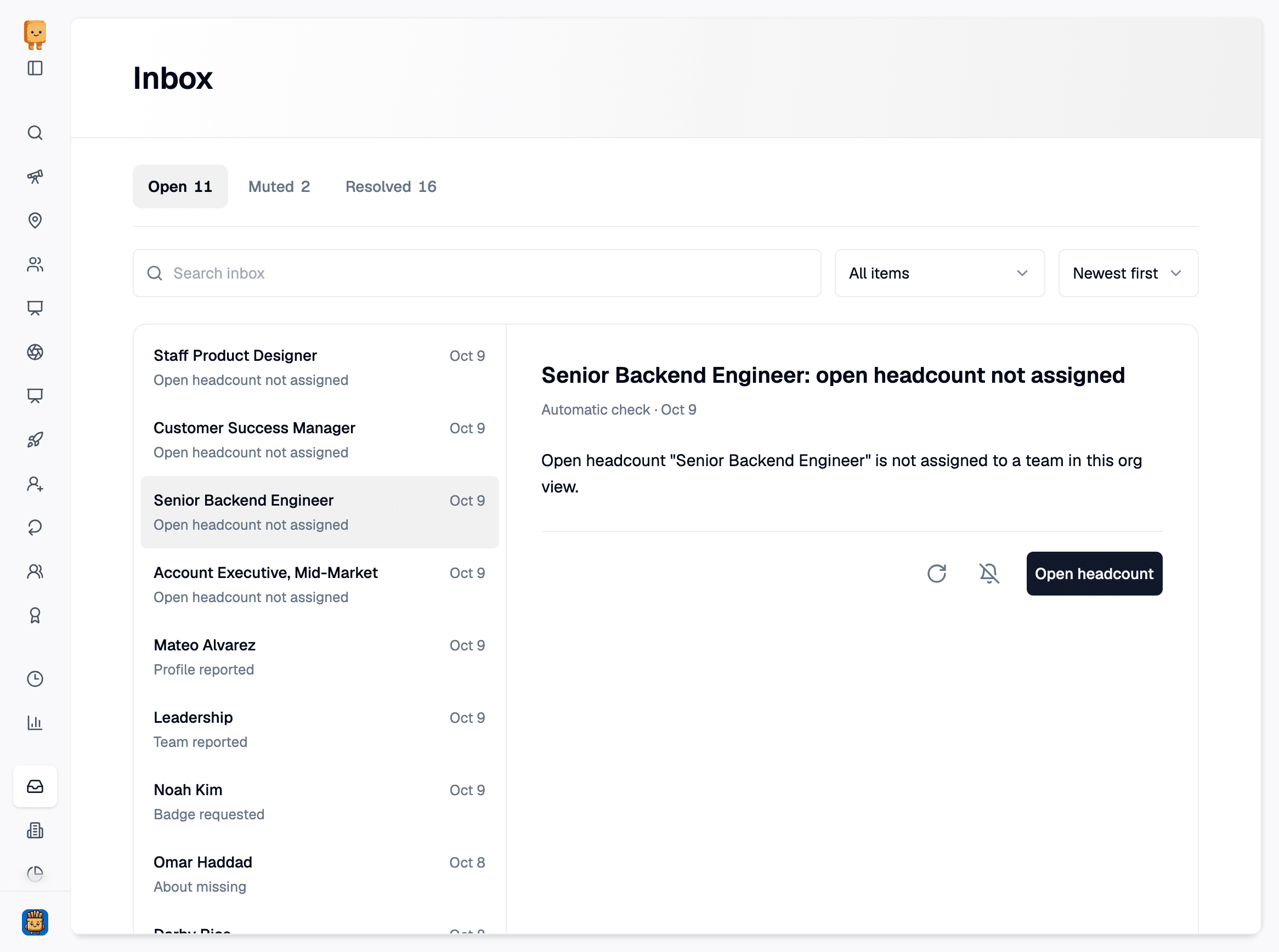
    • Crouton checks every list nightly and sends each recipient an item in their Inbox for each row that’s missing a value.
    • Inbox items link straight to the row, and they clear themselves once the value is filled in. No need to dismiss manually.
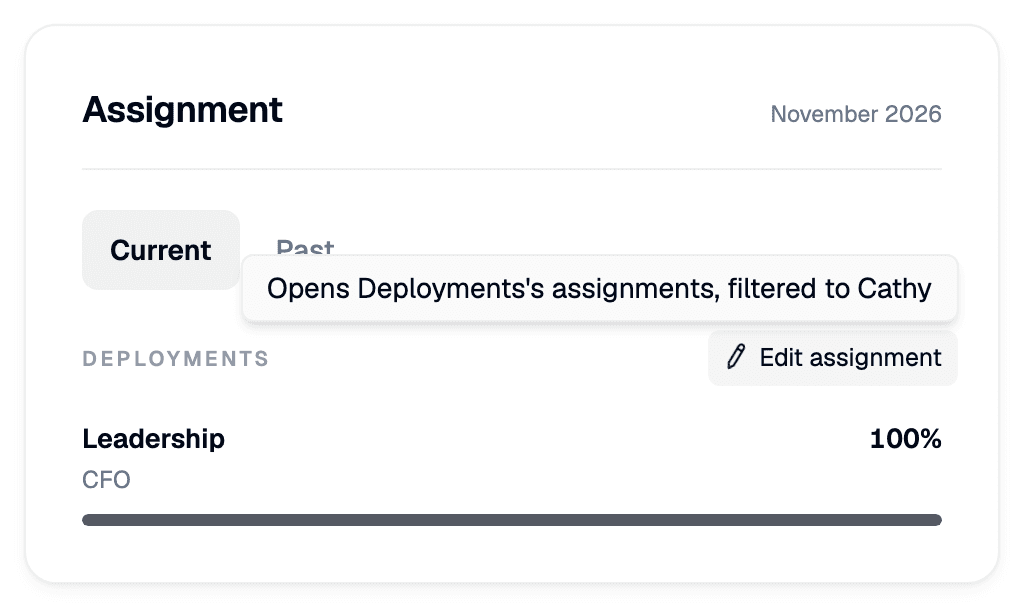
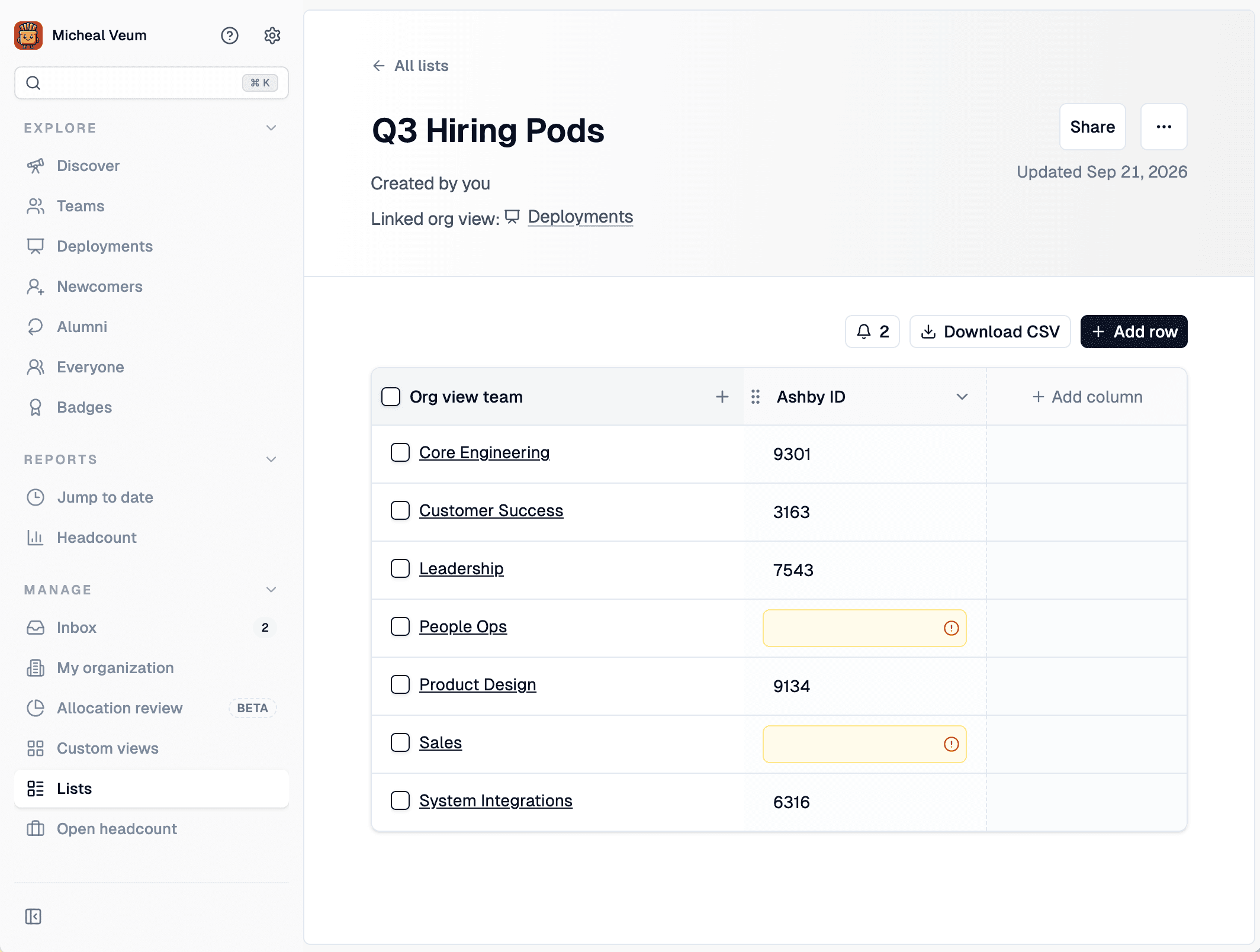
    • Easily filter to just rows that are missing values by clicking the alert button above the table
    A Crouton list, Q3 Hiring Pods, synced to all org-view teams, with a Download CSV button and two rows flagged as missing a value
    A list synced to every org-view team, with nightly alerts flagging the rows still missing an Ashby ID.

    Exporting your data

    This update also enables you to export your list data via CSV or API.

    CSV — Every list detail page now has a Download CSV button. The export covers the entire list, not just the rows visible on screen, and includes all of your columns and custom fields.

    API — Lists are now available through the Crouton API, so you can pull them into your own reporting or tools.

    Existing API keys can pull this information or create a new key in My Organization → Integrations → API Keys. View the API docs!

    Sharing lists with your team

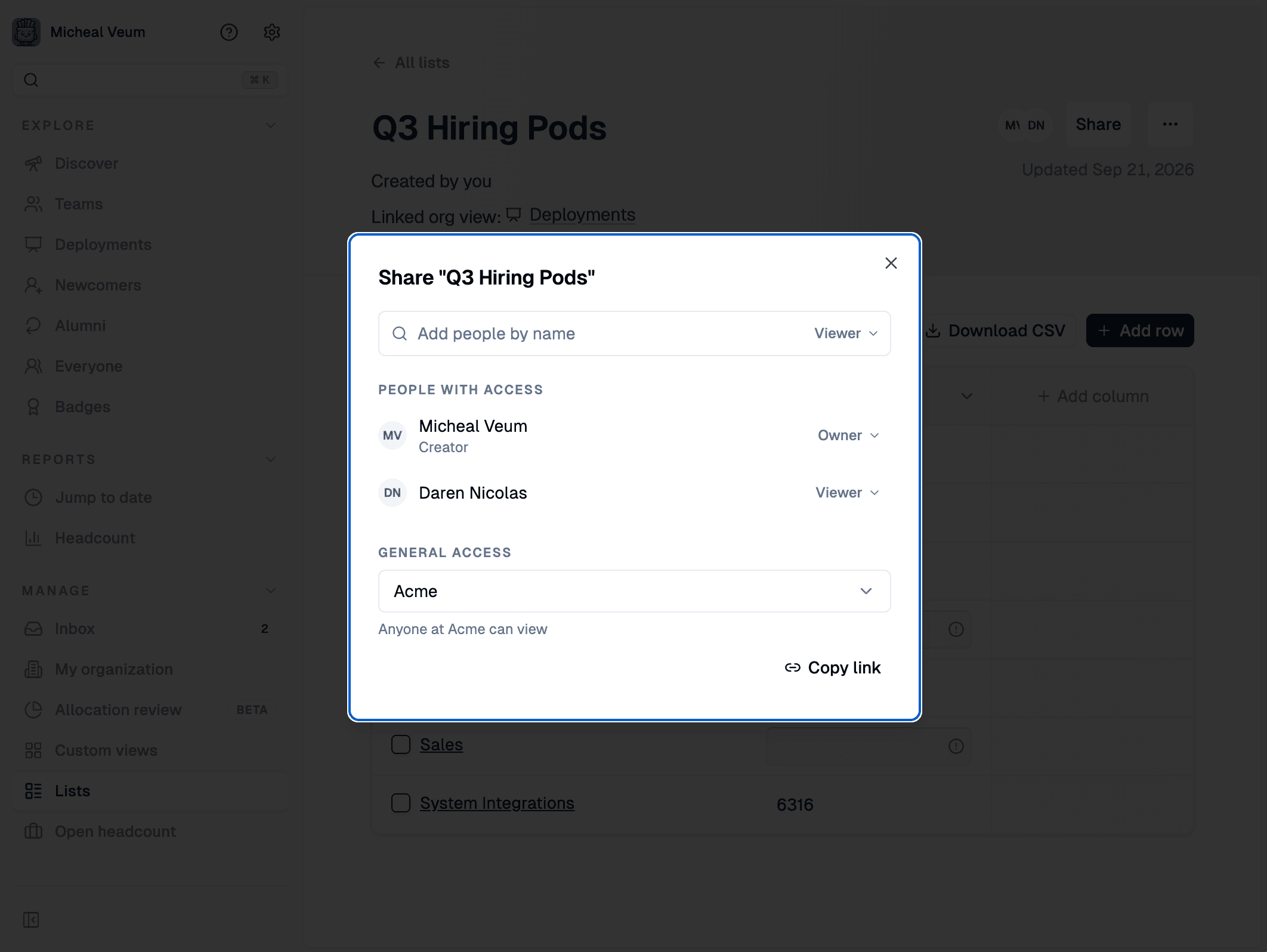
    Lists now have a proper Share dialog.

    • Add teammates and give them view or owner access
    • Set general access to Restricted (only people you’ve added) or open the list to anyone in your organization
    • Only owners can manage access and can remove people
    The Share dialog for a Crouton list, showing people with owner or viewer access, a general-access setting, and a copy-link button
    The new Share dialog: per-person access alongside a general-access setting for everyone in your organization.
    Permalink
  2. Allocation review

    Allocation review (Beta)

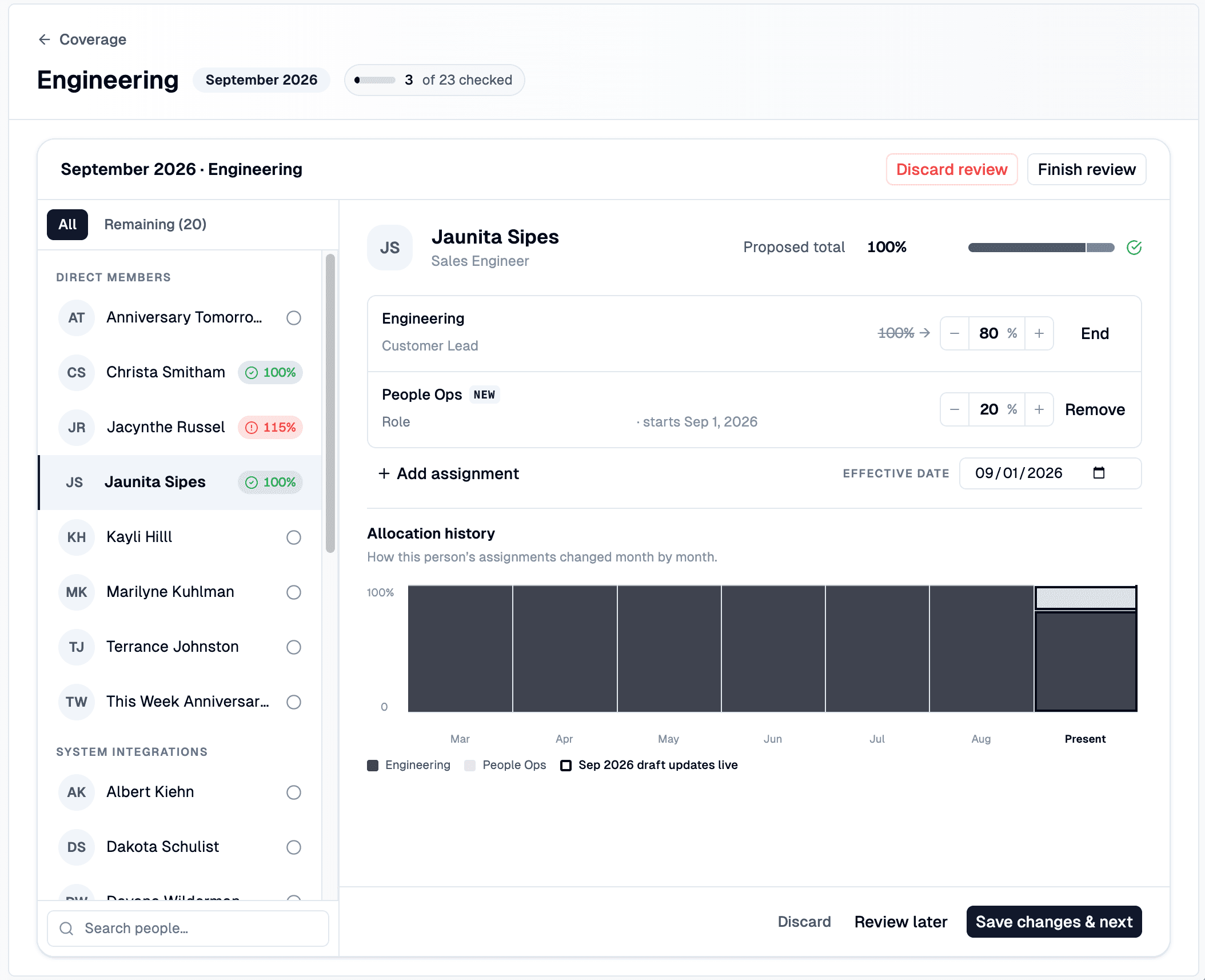
    A Crouton allocation review for the Engineering team's September 2026 cycle, with the person list and allocation badges on the left and one person's assignments, effective date, and allocation history on the right
    A review in progress: 3 of 23 people checked, with each person's assignments, effective date, and allocation history on one screen.

    Allocation review enables guided monthly workflows for confirming who’s working on what. Instead of chasing spreadsheets or asking leads to update allocations ad hoc, each month opens a review cycle where every team lead confirms their people’s allocations in one pass.

    Allocation review is turned on per org view from its Display settings.

    Run a review, team by team

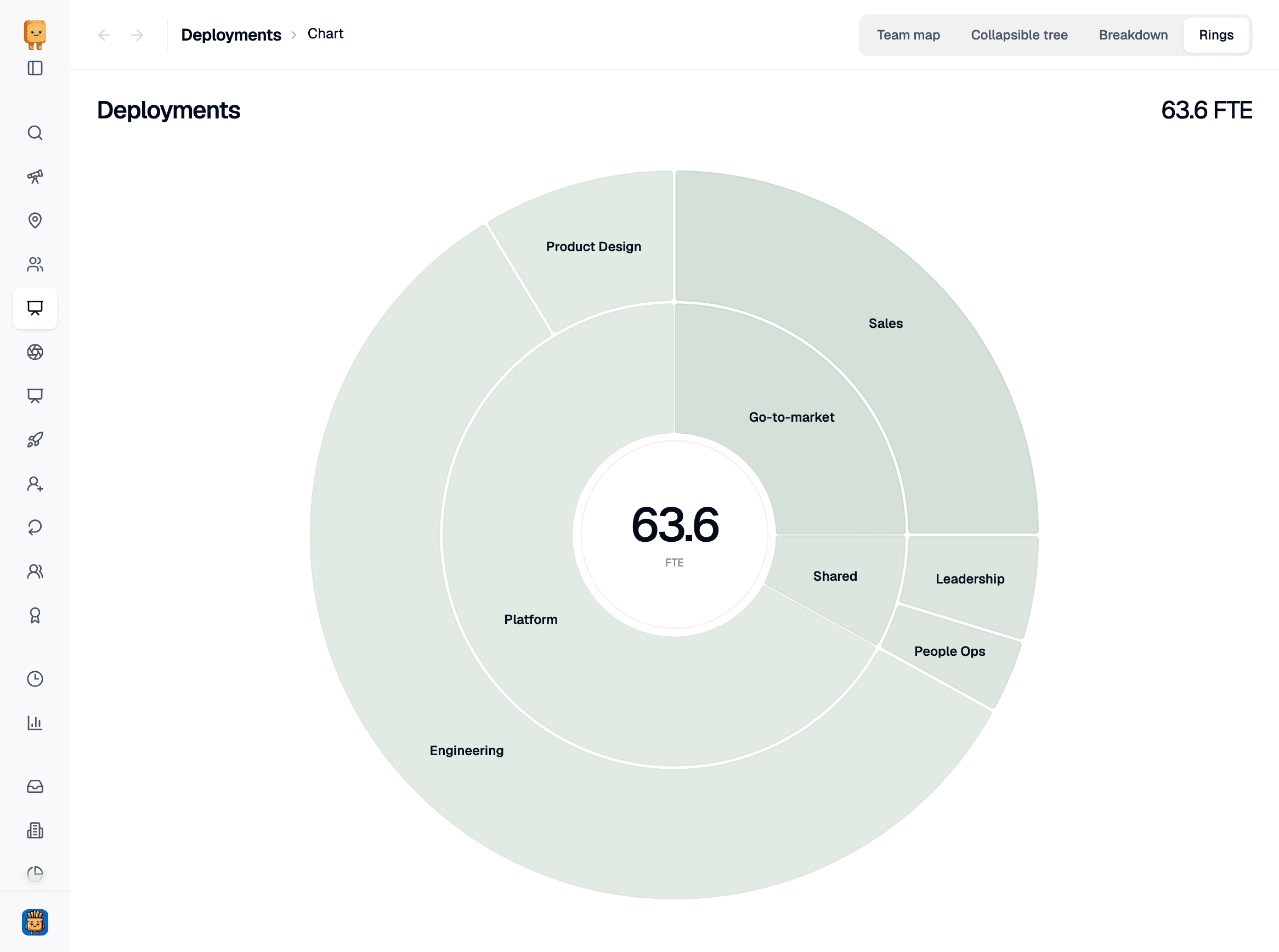
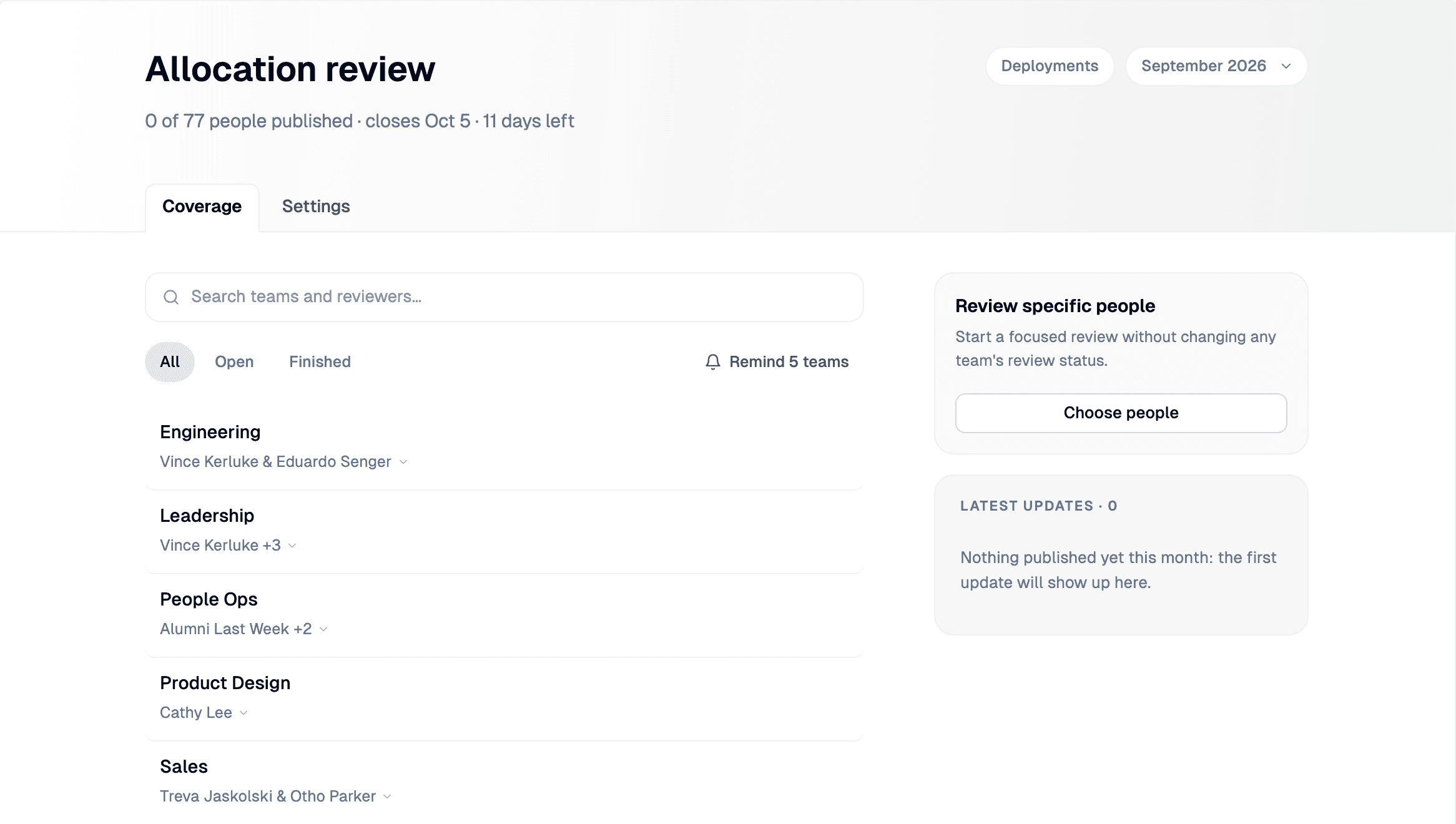
    Each month gets its own cycle, and the coverage home page shows where the whole organization stands: how many people have been reviewed, which teams are still waiting, which reviews are in draft, and which have been published.

    • Send each lead their own link. Copy a team’s review link straight from the coverage list and send it to the lead.
    • Review just one person. Need a mid-month correction for a single individual? Start a spot review for that person instead of reopening the whole team.
    • Pick up where you left off. Drafts are saved as you go and listed with their progress, so a review can be finished later without losing work.

    Review each person with the full picture

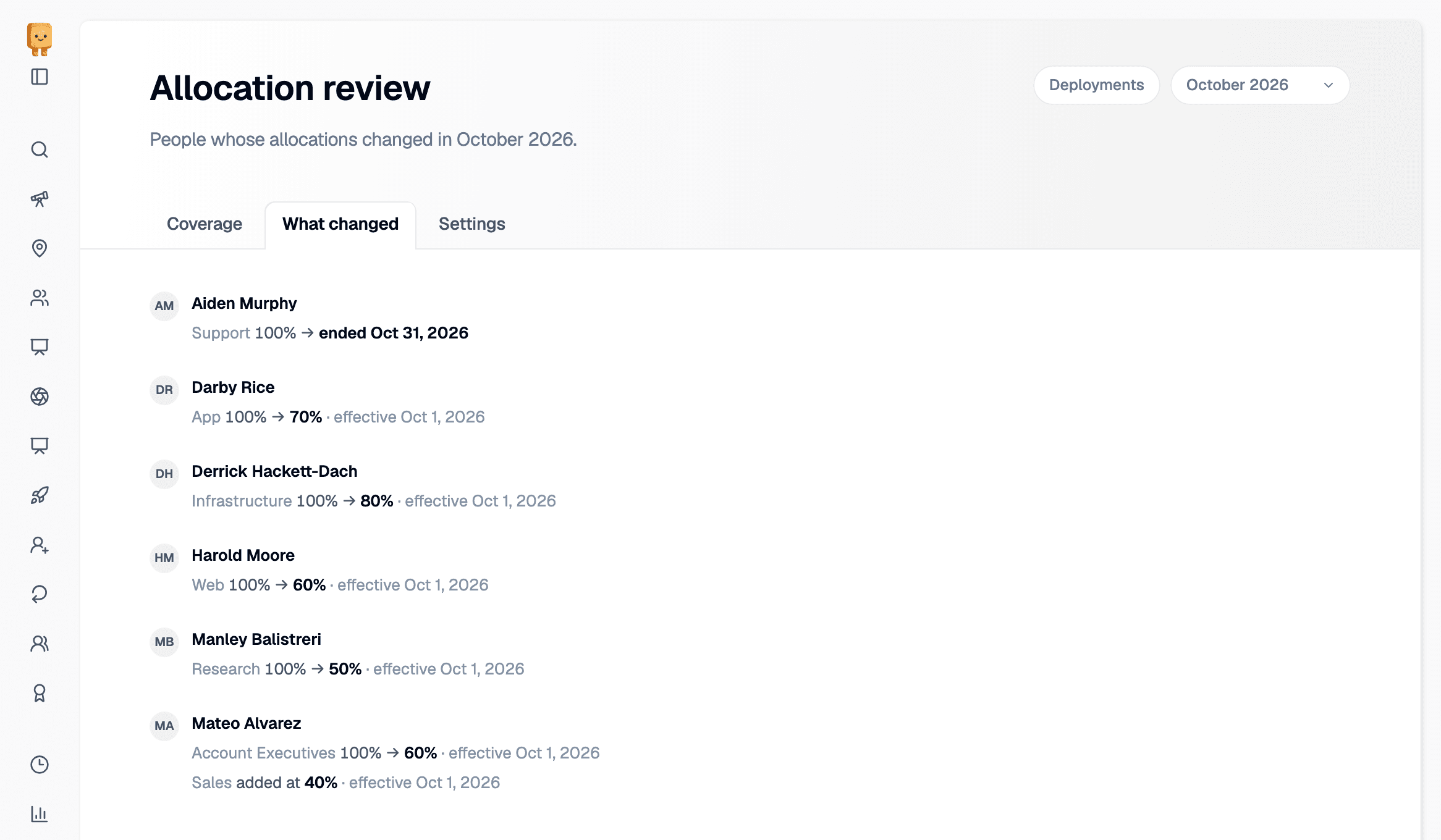
    Reviews walk through one person at a time, showing their current assignments, their total allocation, and a history of recent allocation changes.

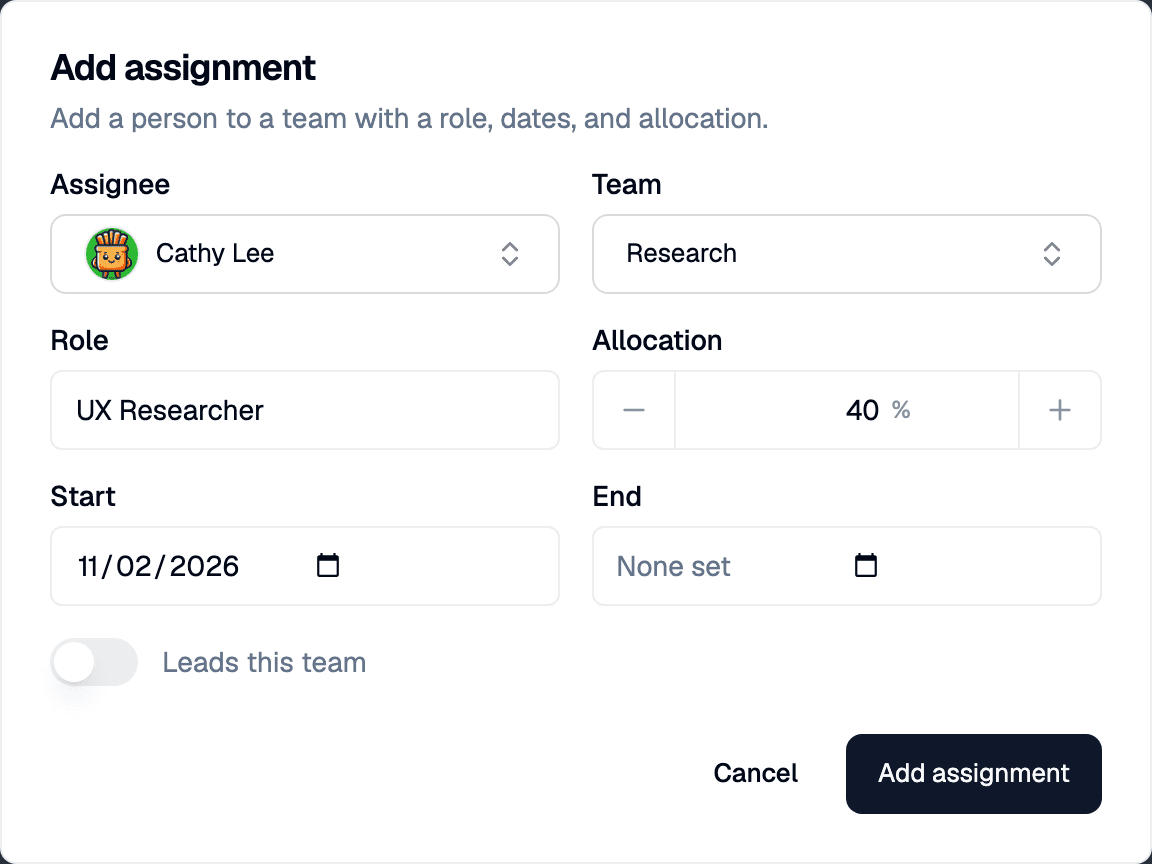
    For each person, a lead can adjust allocation percentages, change a role, mark someone as project lead, end an assignment, or add a new one — each with its own effective date so changes land on the right day.

    The review also catches the things that are easy to miss:

    • Allocation warnings when someone ends up over or under 100% or has no active assignments at all.
    • Overlap alerts when the same person is also being reviewed in another team’s draft.
    • Stale draft detection when someone’s live assignments change while a review is in progress.

    MCP Integration

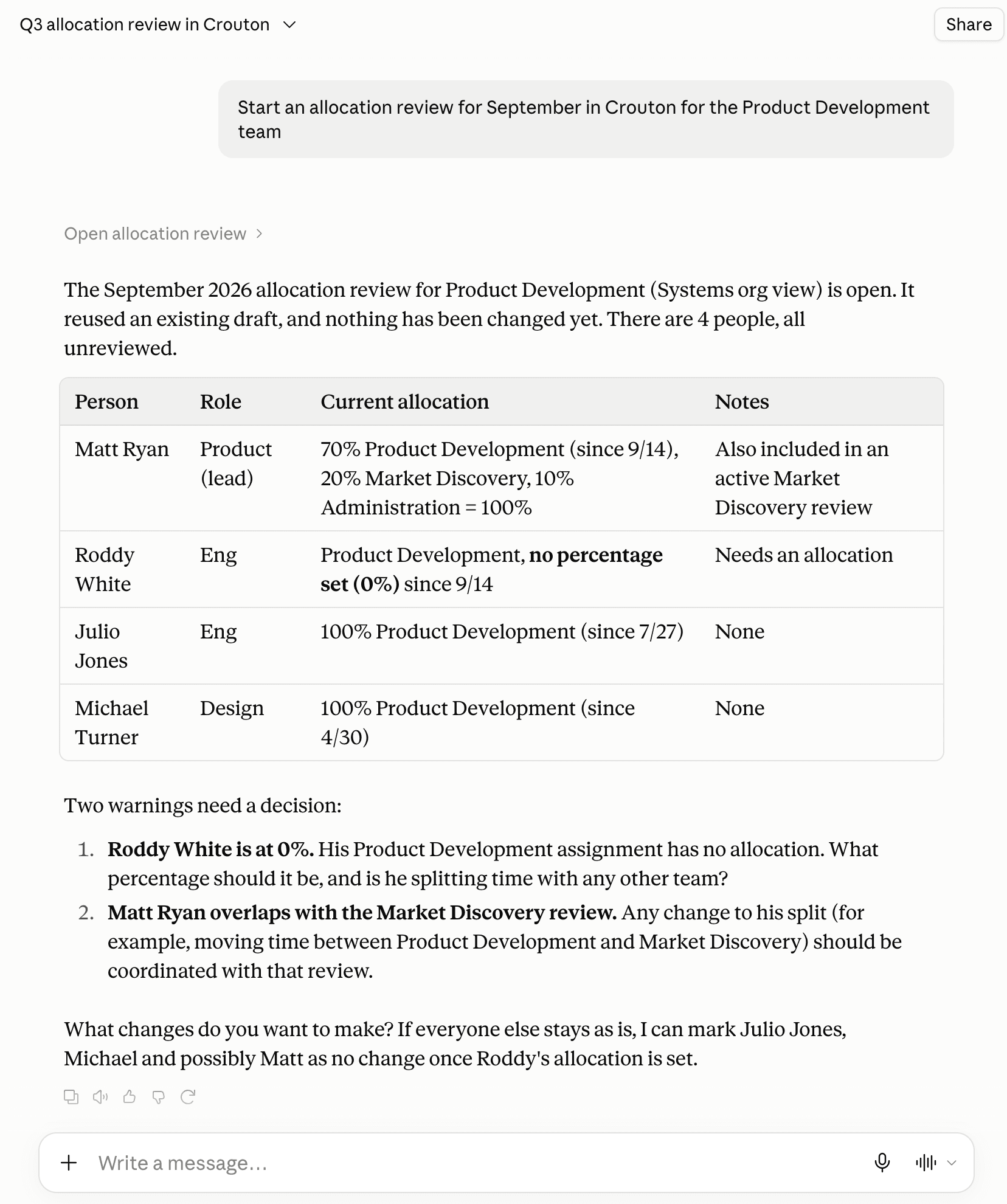
    Allocation reviews can be opened, edited, and published through AI assistants like ChatGPT and Claude.

    An AI assistant asked to start a September allocation review for the Product Development team, replying with a table of the four people, their roles and current allocations, and two warnings that need a decision
    Reviewing allocation from your AI chat is seamless. Crouton shares all the necessary information with your AI tooling to complete a full review.
    Permalink